Deleted is not gone Link to heading
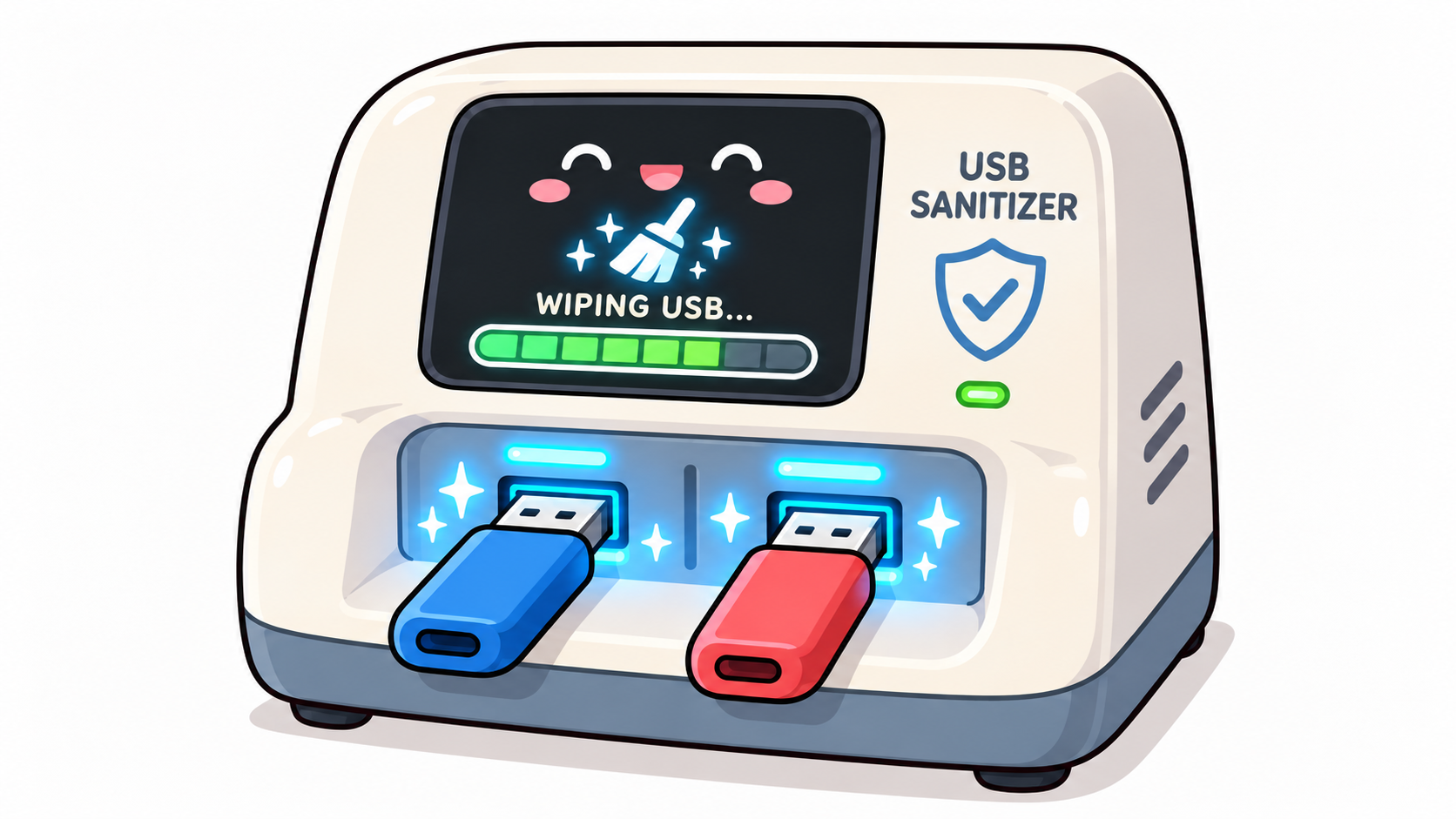
It started at a reception desk. I was at a customer’s site and needed to hand over some files, but I had no intention of plugging my own storage into their company PCs. So I asked at the front desk whether they had a spare USB stick. They did. Somebody fished one out of a box, roughly the size I needed, and handed it over.
The stick had been used before, of course. Before it landed in that box, the backoffice had wiped it. Or rather: they had deleted it. And that’s where my brain started to itch. Deleting a file on a USB stick mostly removes the pointer to the data, not the data itself. Anyone with a free recovery tool and ten minutes could have brought most of it back. I didn’t try, and I don’t want to know what was on it. But I walked out of that building with one question on my mind: how many companies have a box like that?
I suspect the answer is «most of them».
The problem nobody owns Link to heading
USB sticks are the duct tape of office life. Customers hand them out, suppliers bring them along, colleagues borrow them for a presentation. At some point someone says «we should clean this before the next use», and then someone right-clicks, selects Delete all or Quick format, and considers the matter closed.
It isn’t. A quick format rebuilds the file system structures and leaves the actual content lying around. Nothing technical stops the next person from recovering a contract, a customer list or a password export from a stick they borrowed for a slideshow. And the process is usually informal. There is no record, no verification, and no clear person who is responsible for it.
I’m not saying anyone is negligent here. It’s simply a gap between «we have a policy that says media must be wiped» and «we have a tool that makes wiping so easy that nobody skips it». The first one is a document. The second one is a device.
The requirements Link to heading
Back home I wrote down what I wanted. I like to keep requirements short, otherwise they turn into a project nobody finishes:
- Strong enough to take the «I can undelete that» scenario off the table
- Any USB storage, whether it’s a cheap promotional stick or a bigger drive
- As simple as possible. Ideally an intern, a receptionist or the facility manager can use it without a manual
- No network, no accounts, no settings. A wipe station that needs patching is just another asset to worry about
- Hand it over directly. When the device says «done», the stick can go straight into someone’s hand
That last point is my favourite. The whole value of the thing is that the end of the process is also the start of the next one.
From idea to soldering iron Link to heading
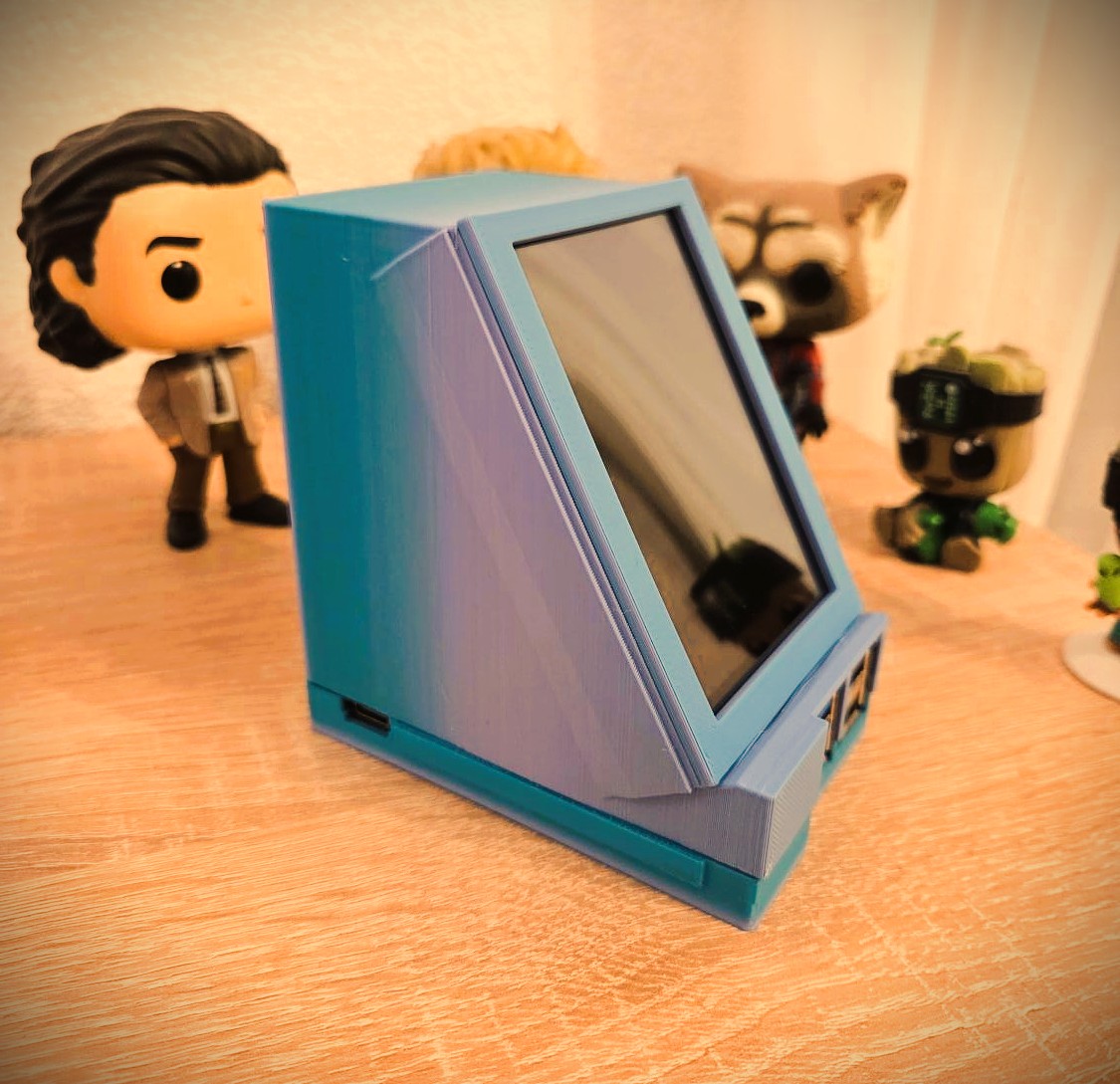
Here’s the honest split of work. I had the idea and the requirements. My son did everything else that matters: he drove the technical implementation, ordered the parts he needed, and in the end he designed the case and printed it on his 3D printer (yay, that thing finally escapes the dust shelf again!).
I’ve been asked how it feels to hand a project like this to a teenager. Mostly it feels like being a product owner who has to listen. He pushed back on requirements that were impractical, proposed alternatives, and more than once explained to me why something wouldn’t work. If you’ve been reading this blog, you know I believe in learning by building real things. This was a very good example of it. After the SHC2026 qualifier, where he was the one who got me started, it was a nice change to be the one with the idea for once. 😄
How it works Link to heading
From the outside, the process is deliberately boring:
- Plug in the power
- Plug the USB stick into one of the USB-A ports
- Wait
That’s it. No menu, no confirmation dialog, no «are you sure?». The small touchscreen has no buttons at all. It only shows what is happening. Up to four drives can be wiped in parallel, and each one has its own tile on the display, laid out exactly like the physical sockets. A little mascot keeps you company while you wait, because a wipe of a large drive takes a while and a progress bar alone is a lonely thing. 🦦
Under the hood it’s a Raspberry Pi 5 with a 3.5 inch display, running a stripped-down Raspberry Pi OS image that boots straight into the kiosk. Everything ships in the image: nothing needs to be installed, nothing needs to be configured, and nothing talks to the internet.
For each drive the worker does the following:
- Validate the device. Is it really a directly attached USB storage device? Is it not the system card? Is it unmounted? If anything looks odd, it refuses to start.
- Try device discard. If the drive supports secure or ordinary discard, the worker asks it to forget its blocks. If not, that’s recorded and skipped.
- Overwrite with three patterns, reading back and verifying the entire drive after each.
- Overwrite with zeros, and again read everything back.
- Create a fresh, empty file system labelled
USB, so the stick is immediately usable.
The progress bar covers the whole job and only hits 100% once everything has been saved as a success. If anything goes wrong, whether that’s an I/O error, an unplugged drive or a power cut, the tile turns red and the drive is explicitly not marked as ready.
Security by subtraction Link to heading
This is a security blog, so let me be fair about the part that took the most thought. A device whose entire job is to take unknown USB sticks and write to them is, by definition, a juicy target. We are plugging in untrusted hardware from the outside world. So a good half of the engineering went into what the device doesn’t do:
- No automount, no file browsing, no previews. The worker never looks at the contents. It treats the drive as a block device and nothing else.
- No keyboards. A USB stick can pretend to be a keyboard (hello, BadUSB 👋). On this device, all USB input interfaces are denied at kernel level and by USBGuard. Only storage-only devices get through, and the touchscreen is connected over GPIO, so it doesn’t need USB at all.
- No network. Wi-Fi, Bluetooth, Ethernet and remote login are all disabled in the image. There’s nothing to attack remotely because there’s nothing listening.
- Privilege separation. The UI runs unprivileged and can only ask the worker to do two things: report status and start a job. It can never pass a device path or a command.
- Fail closed. The worker binds each job to the exact device instance. If you pull the stick and push in another one, the job does not silently continue on the new one. The device ignores anything it can’t positively identify.
That last list is what I enjoy about the project. You can build a surprising amount of safety by simply refusing to support things.
What it does not do Link to heading
Now for the part I care most about, because I’d rather over-explain a limitation than let someone believe in a promise we never made.
This is not a guarantee against laboratory-grade recovery. Flash storage has wear levelling, remapped blocks and spare areas that the host simply cannot address. A controller can hold on to data in places no software on the computer can reach, and more overwrite passes don’t change that. NIST even warns against claiming extra protection through repeated overwrites, and says they mostly wear out the flash.1 We took this into account from the start. The overwrite cycles are a deliberate trade-off for the «ordinary recovery» case, not an attempt to fake more.
NIST describes the levels in SP 800-88 as Clear, Purge and Destroy. Our device does Clear: it protects against ordinary recovery through the normal device interface, which is exactly the «someone with a free undelete tool» scenario that started all this. Before overwriting, it also asks the drive to discard its blocks, first with a secure discard and then with an ordinary one, if the drive supports them. That is a hint to the controller, not a guarantee, so the result stays Clear. The screen says so, too. It literally says Clear only.
Let’s clarify the terms:
- Clear: protects against ordinary recovery through the normal device interface.
- Purge: protects against laboratory recovery and needs a validated, device-specific method.
- Destroy: means the media is physically retired.
This device does Clear.
The real answer for hidden flash is a device-specific Purge method, for example a native SCSI SANITIZE command, if a drive actually exposes it over USB. We are working on finding the best method per drive. The catch is that a supported command alone proves nothing. You need to know the exact model, controller and firmware, and whether the command really reaches the spare and retired blocks. A mixed pile of unknown promotional sticks has no universal answer, which is why the device falls back to Clear and never labels anything as Purge unless it has been qualified.
A stick that once contained the crown jewels shouldn’t go into the reception box at all.
I’d rather have a tool that is honest about this than one with a green checkmark that claims more than it can know.
Why I think this matters Link to heading
A lot of security work is about big, abstract threats. This one is small and concrete. It’s the box at the reception, the stick in the drawer, the «we wiped it, I think». The risk is real, the fix is cheap, and the difference between a policy and a habit is often just whether the right tool sits within reach.
What I like most is that the best security control here is convenience. If wiping is as easy as plugging in a cable, people do it. If it takes a procedure, they skip it.
And one more thing I didn’t expect: building it together was worth more than the device itself. I came with a problem I had experienced, and my son turned it into something that blinks, beeps and wipes. That’s a pretty good trade. 🔧
What’s next Link to heading
The first unit went out as a gift to the office where this whole story began. It took surprisingly little time for us to notice something we had overlooked in the workshop: the device is meant to stay powered all the time, but depending on the size of the stick, a clearing run takes several hours. A display that shows a bright progress screen around the clock isn’t great for its lifespan. So a screensaver is on the list. The display is a touchscreen, so a tap simply wakes it up again. That is deliberately the first and only input we accept for now. No keyboard, no mouse, no buttons.
The other thing we’re working on is the hardware itself. A Raspberry Pi 5 is wonderful for prototyping, but it’s overkill and not exactly cheap for a device that mostly writes zeros. My son is looking at cheaper options, a Raspberry Pi Zero or maybe even just an ESP32 board. Whether those can handle the job (parallel drives, direct block I/O, the isolation we want) is still open, and I’ll happily report if it works out or if it turns out to be a beautiful dead end.
We may publish the source code at some point, but not yet. If you’d like to try a test version, feel free to get in touch with me. If your company has a box of USB sticks at the reception, you know what to do. Or at least: you now know what to ask. 😉
cf. NIST SP 800-88 Rev. 2 - Guidelines for Media Sanitization, https://nvlpubs.nist.gov/nistpubs/SpecialPublications/NIST.SP.800-88r2.pdf, accessed 2026-10-08. ↩︎