Many organisations believe their GitLab instance is secure because it is “behind a login”. Unfortunately, that assumption is often wrong.
What I regularly see during security assessments, audits and Bug Bounty contracts is not a vulnerability in GitLab itself, but a security misconfiguration1 around it - one that can lead to unintended data exposure, leakage of personal information, or disclosure of source code.
This post is not about a zero-day. It is about false assumptions.
The dangerous assumption: “We have a login page, so we’re safe” Link to heading
A common setup looks like this:
- GitLab is hosted internally or on a private domain
- Access to
/is protected by a login page, reverse proxy, entry server or WAF - Developers can still clone repositories via Git or their favourite CLI tools
- Everyone assumes the instance is fully protected
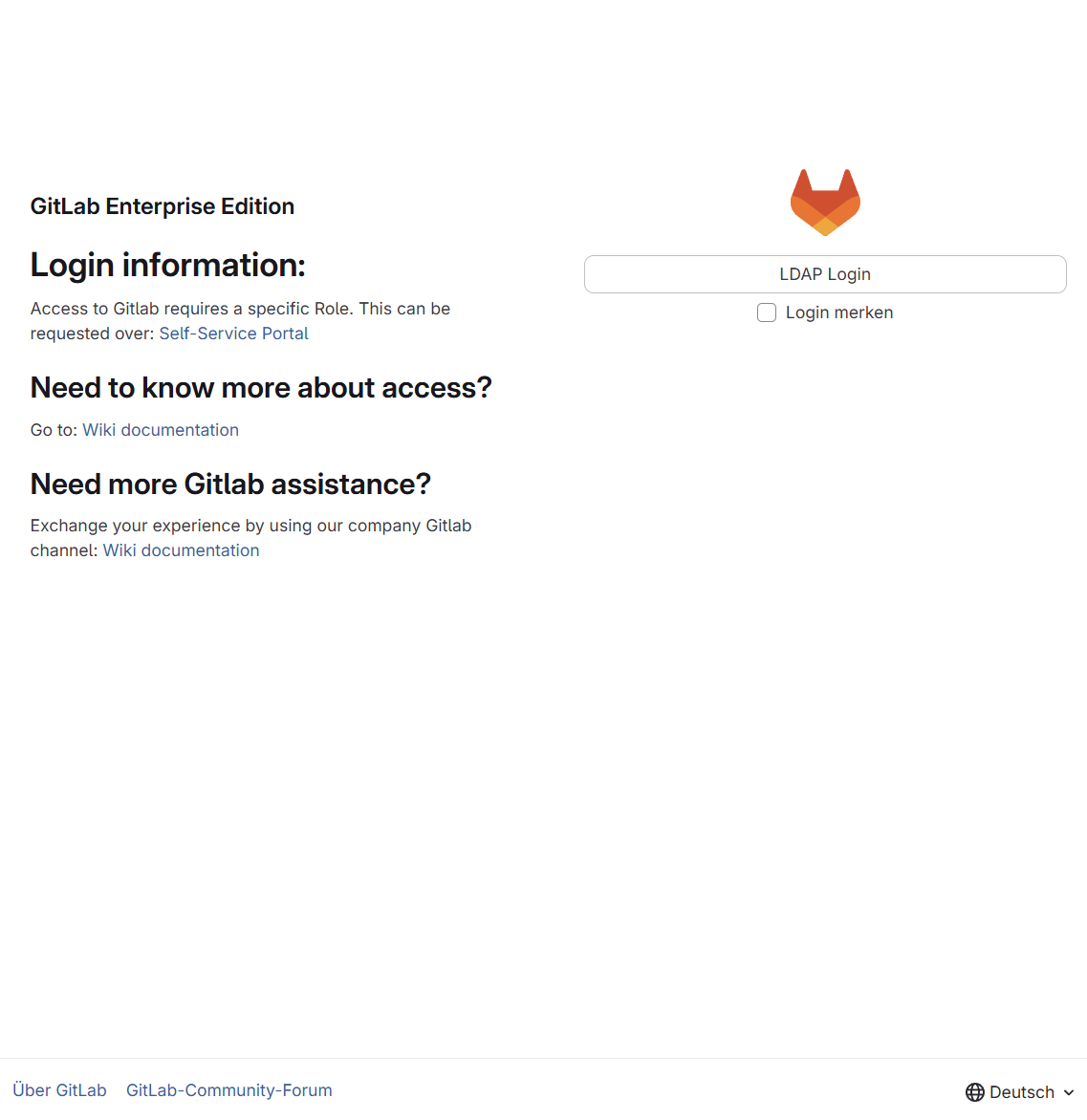
In reality, these protections often cover only the start page, while other endpoints - UI paths and APIs - remain publicly accessible.
Let’s go through the most common issues, one by one:
Issue 1 – The GitLab search page (/search)
Link to heading
By default, GitLab’s search page is reachable at:
https://<your-instance>/search
Depending on configuration, this page is publicly accessible to anonymous users, even if the main page requires authentication.
From there, an unauthenticated user can search for Projects, Issues, Merge Requests, Milestones or Users.
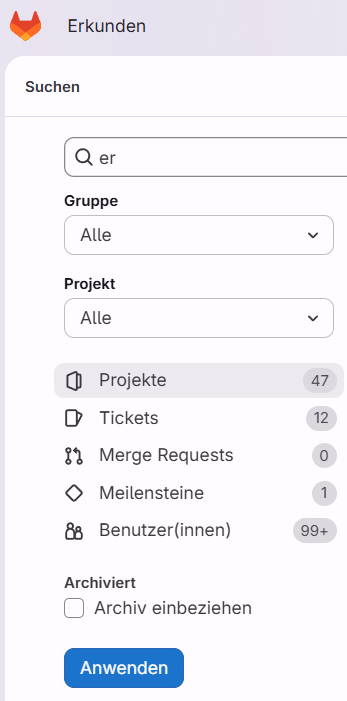
In many setups, only two characters are required to trigger a search. That means:
26²= 676 simple search queries are theoretically enough to enumerate all results- With basic language heuristics (bigram frequency2, English bias), even fewer requests are needed
But only public projects are visible Link to heading
True - but that is still a problem.
In practice, public projects inside “private” GitLab instances often contain PII (names, emails, phone numbers), secrets in source files or commit history, configuration files never meant to be public, experimental or internal tooling. In addition, the user search almost always exposes first and last names when users are provisioned from central identity directories such as ADFS, LDAP or OIDC/SAML, alongside usernames, avatar images and activity-related information, further contributing to the overall data exposure.
This usually happens because people assume their GitLab instance is not reachable from the outside at all. The presence of a login page creates a false sense of security and leads to the belief that the entire system is properly protected. As a result, internal GitLab instances are often handled with significantly less discipline than public platforms like GitHub. Ironically, this means that private GitLab instances frequently expose more sensitive data than public GitHub repositories - precisely because they are perceived as being safer.
But there are ways to solve that:3
How to fix the search issue Link to heading
You can restrict search access in two ways:
Option A - Restrict public projects Link to heading
If public projects are disallowed, anonymous global search is automatically redirected to the login page.
Option B - Restrict search via Admin settings Link to heading
To restrict /search to authenticated users:
- Go to Admin
- Select Settings → Search
- Expand Advanced search
- Uncheck Allow unauthenticated users to use search
- Save changes
To restrict global search entirely:
- Go to Admin
- Select Settings → Search
- Expand Visibility and access controls
- Enable Restrict global search to authenticated users only
- Save changes
Issue 2 - Public API endpoints Link to heading
GitLab exposes several API endpoints4 that are accessible without authentication by default.
Example response of the /api/v4/broadcast_messages:
[
    {
        "message":"Important maintenance window due to a security patch",
        "starts_at":"2025-08-24T23:21:16.078Z",
        "ends_at":"2025-08-26T23:21:16.080Z",
        "font":"#FFFFFF",
        "id":1,
        "active": false,
        "target_access_levels": [],
        "target_path": "*",
        "broadcast_type": "banner",
        "dismissable": false,
        "theme": "indigo"
    }
]
… and if you think that the target_access_levels attribute helps, please read the official documentation:
Broadcast messages are publicly accessible through the API regardless of targeting settings. Do not include sensitive or confidential information, and do not use broadcast messages to communicate private information to specific groups or projects.
Everything would be documented. You would just have to read it.
Why this matters Link to heading
CI (continuous integration) and Dockerfile templates can, in theory, contain technical or sensitive information
(I haven’t seen this exploited in the wild yet - but it’s possible.)
Topics are often underestimated, yet they can be valuable for reconnaissance purposes. They frequently reveal information about used technologies, internal system names or even product codenames, allowing an attacker to build a much clearer picture of the underlying environment.
Broadcast messages, however, are the real gold mine. They are authored by administrators and are commonly used for announcements such as maintenance windows or operational notices, making them a particularly rich source of contextual and organisational information.
This is excellent material for targeted social engineering campaigns.
How to mitigate API exposure Link to heading
There is no single toggle for all of this.
What does help:
- Be aware that these endpoints exist
- Store only the minimum required information
- Avoid using broadcast messages for sensitive content
- Enforce authentication at the reverse proxy / firewall level for API paths
- Explicitly deny unauthenticated API access unless it is truly required
Issue 3 – Public avatar images Link to heading
This issue has technically been solved by GitLab5 , but many instances are still misconfigured.
User avatar images are often publicly accessible and indexed using incremental integer IDs, which makes them trivial to enumerate. As a result, anyone can systematically download profile pictures at scale - ranging from harmless avatars to real, passport-style photos - and reuse them for unintended or malicious purposes elsewhere.
How to fix avatar exposure Link to heading
You can restrict this via visibility settings:
- Go to Admin
- Navigate to Restricted visibility levels
- Expand Visibility and access controls
- Restrict visibility levels to Public (checkbox must be activated!)
- Remove Public
- Save changes
Final thoughts Link to heading
Security issues are not always the result of missing patches or broken code. Very often, they emerge from assumptions, habits and mental shortcuts made by people operating the systems. In reality, the issues discussed here show how quickly severity can escalate once access is gained and context is understood.
Access to the issues described above typically starts at around CVSS 5.3 (Medium) under CVSS v3.1 (AV:N/AC:L/PR:N/UI:N/S:U/C:L/I:N/A:N). Depending on the findings, especially when source code analysis is involved, the impact can increase significantly and may reach the maximum CVSS score of 10.0 (AV:N/AC:L/PR:N/UI:N/S:C/C:H/I:H/A:H).
That is precisely what makes them dangerous. They exist in a grey area where systems technically behave as designed, yet nobody has fully considered the real-world security implications of that design.
If you operate a GitLab instance:
- Do not rely on a login page alone
- Audit reachable paths and APIs
- Assume attackers will look beyond
/ - Treat internal GitLab like a public-facing system
Please - fix your GitLab instance. Now. Link to heading
cf. OWASP Top 10:2025 - A02 Security Misconfiguration, https://owasp.org/Top10/2025/A02_2025-Security_Misconfiguration/, accessed 2026-01-25. ↩︎
cf. Bigram, https://en.wikipedia.org/wiki/Bigram, accessed 2026-01-25. ↩︎
cf. Searching in Gitlab - Restrict Search Access, https://docs.gitlab.com/user/search/#restrict-search-access, accessed 2026-01-25. ↩︎
cf. GitLab Docs - REST API, https://docs.gitlab.com/api/rest/, accessed 2026-01-25 ↩︎
cf. GitLab Issues - Users’ avatar disclosure by user ID in enterprise and public GitLab instances (IDOR), https://gitlab.com/gitlab-org/gitlab/-/issues/381647, accessed 2026-01-25. ↩︎